Free
WhatsApp Messenger
Drive visitors from website to your Whatsapp chat with a prefilled message ready to send.
$0.00
$24
Nov 16, 2025
Ready to use
2.8k
Installs
Highlights
Place anywhere in the website
Responsive Design
Full Customization Freedom
About this component
A simple, powerful chat widget that lets visitors message you directly on WhatsApp. It appears as a floating green button that expands into a chat input field when clicked.
Features:
Floating WhatsApp button with smooth expand animation
Initiate messages directly to WhatsApp Web or App
Keyboard shortcut (‘C’) to open chat
Responsive on all screen sizes
Clean, minimal design with hover effects
Customization:
Works with any WhatsApp phone number
Edit input placeholder text
Choose left or right alignment
Customize colors, fonts, and accent styles
How to Use:
Copy and paste the component in the canvas
Use "Fixed" position type and left/right + bottom coordinates to adjust
Add your WhatsApp number with country code without '+'
Set layout (left or right)
Customize colors and text.
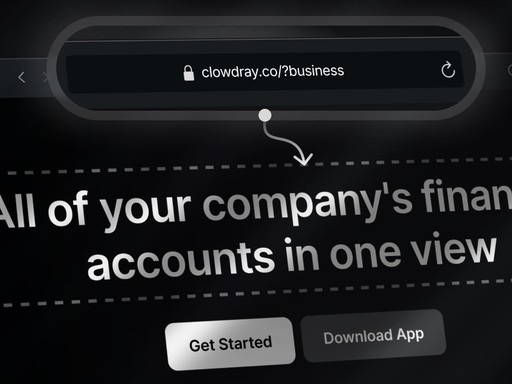
Dynamic Text Display
Display or A/B test custom text based on predefined parameter linked to the url.
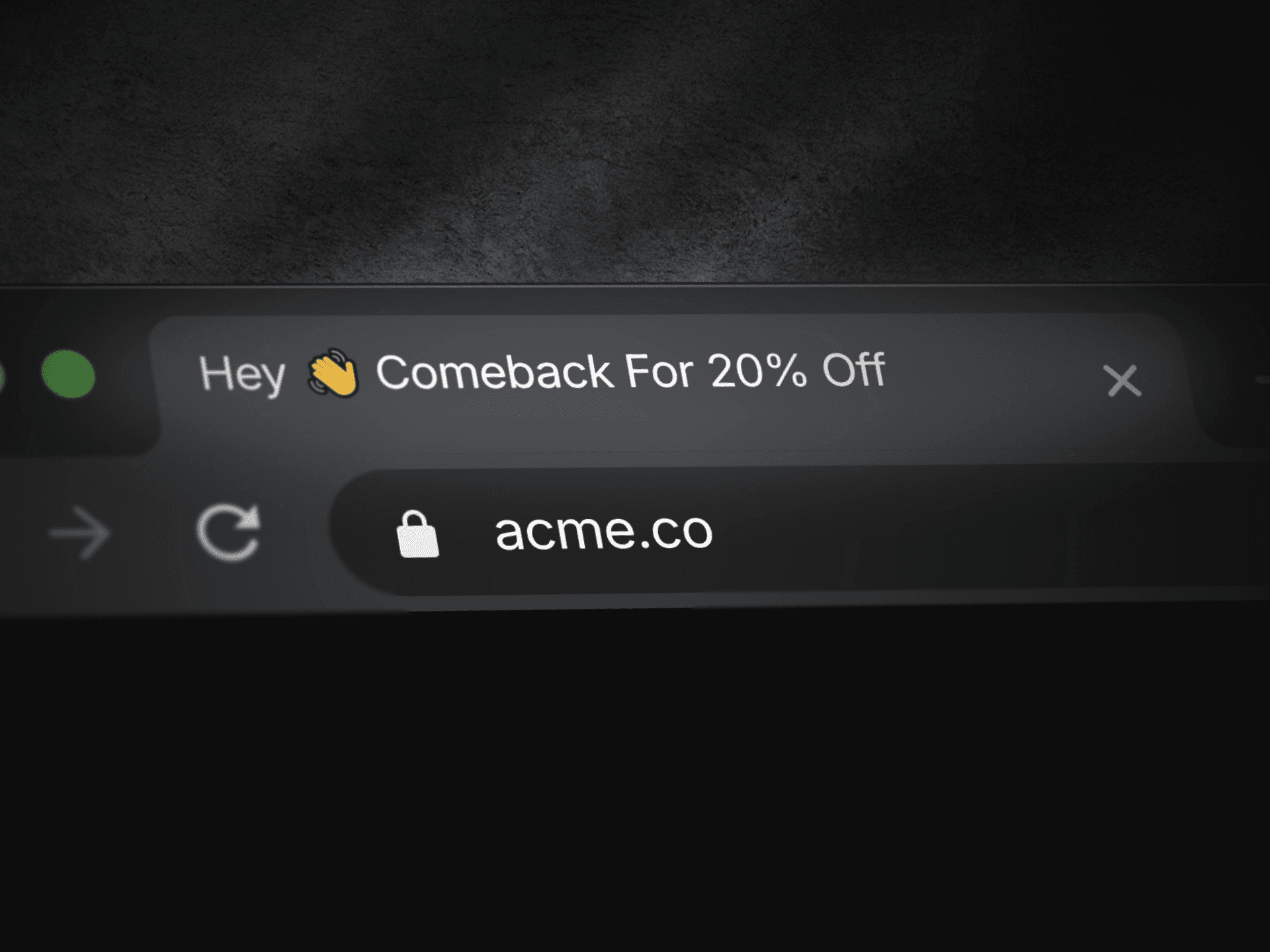
Tab Away Message
A simple way to add title message that appears on the tab name as soon as visitors leave your website and switch to another tab.
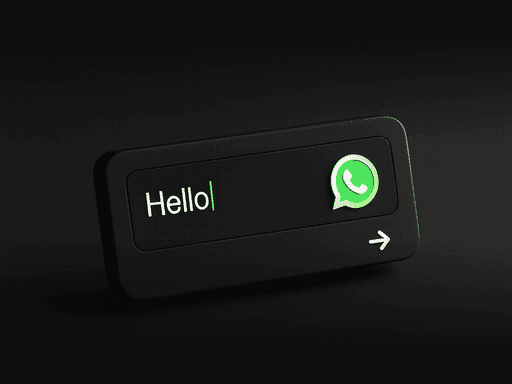
WhatsApp Messenger
Drive visitors from website to your Whatsapp chat with a prefilled message ready to send.
People also like…
FRQUENTLY ASKED QUESTIONS
General FAQs About Clowdray Framer Components
What is Clowdray?
Clowdray is a platform that provides high-quality, ready-to-use Framer components. We offer customizable collection of UI elements like grid patterns, dynamic headlines, password overlays, and more, designed to speed up web design and development processes. With Clowdray, designers and developers can easily integrate these components into their Framer projects for faster and more efficient web creation.
What are Framer components?
Framer components are reusable design and code elements that can be integrated into Framer projects to enhance functionality and user experience. These components range from grids and overlays to interactive elements like dynamic headlines, making them essential for efficient web design and faster project completion.
How do I use Framer components?
Using Framer components is simple. Just drag and drop the component into your Framer project. Customize it to fit your design needs and integrate it with other elements to create dynamic, responsive web pages. Each component is designed to be easy to use, even for beginners.
Are Framer components customizable?
es! All Framer components on Clowdray are highly customizable. You can adjust colors, sizes, fonts, animations, and more to align with your project’s branding and design style. Each component is designed to offer flexibility, allowing you to modify it without the need for complex coding.
Can I request a custom component?
Yes! At Clowdray, we offer the option to create custom components based on your specific needs. If you have a unique design or functionality in mind, just hit the "Request" button and we’ll work with you to bring your vision to life.
How do I download and install a component in Framer?
Once you purchase or download a component, you get the access to it's remix file as well as direct copy-paste link. For most components, you can simply drag and drop them into your design.
The Best Framer Component Library
Join our Framer Community for news, updates and claim free products
Gain access to our private community and get the latest Framer components, resources and design delivered directly to your inbox.